Personalization with placeholders
Personalization with placeholders is an add-on feature of InAppStory that allows the improvement of user's personal experience with stories. These placeholders are used to display data that is relevant to each individual user within the stories.
Step-by-step
-
The editor or manager creates a placeholder in the InAppStory console. For example, they may create a placeholder called username;
-
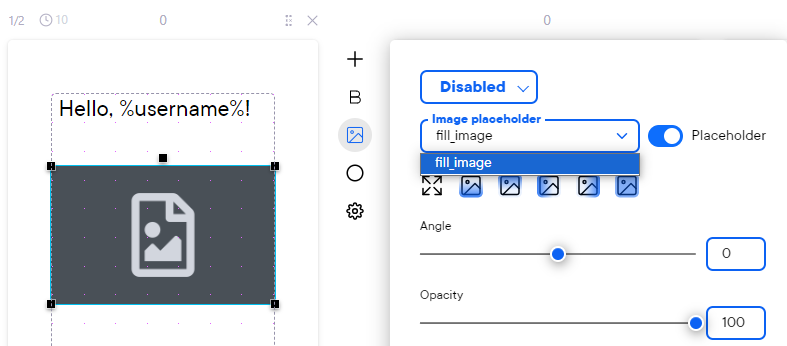
To include a placeholder in the story, the editor or manager frames the text in which the placeholder will be inserted using % characters. In this example they should write "Hello, %username%";
-
The application should provide a value for this placeholder during the SDK initialization process. Instructions on how to do this can be found here (Android) and here (iOS).
Placeholders can be of two types: text and image. Both types function in the same way as explained above, but for images you will need to add an image to your story, click the Placeholder switch and pick a placeholder created previously.