Games
Prerequisites
You can create and use InAppStory games in your application.
Before implementing the work of the games you will need to create a game instance in the Games section of the console.
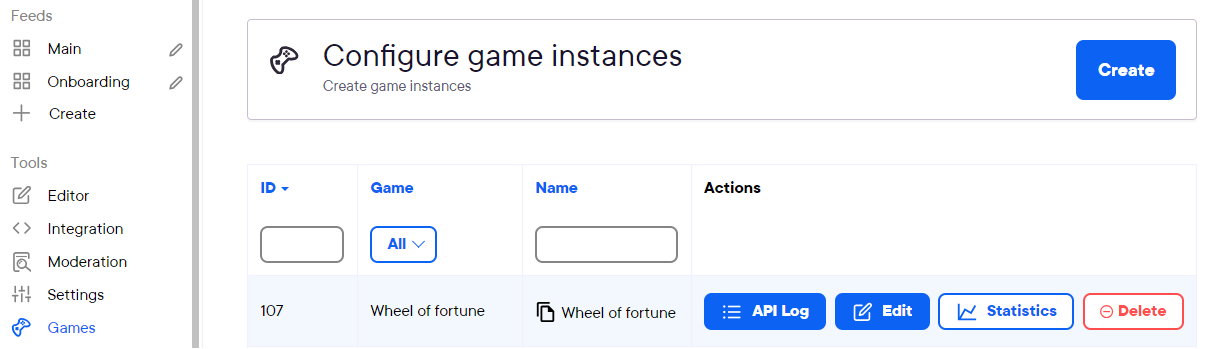
Press create in the "Configure game instances", assign a name to the game and choose the available game type.
More about configuring game behavior and design you can learn in the Resources section of the console.
More about configuring different games:
Launching games from stories
You can refer to this guide on setting up in-story games.
You have two options: either to call a game from a story slide (via buttons, swipe-ups, images) or from a card preview (also called a deeplink method).
To learn both ways of doing this refer to this guide under the title "How to Add a Game to Stories"
Launching games outside of stories
You can do so by calling certain SDK methods. Detailed descriptions can be found at following links:
Displaying nickname in leaderboard
You can display the player's nickname in the leaderboard. To do this, you need to pass an option called nickname to SDK InAppStory before starting the game: